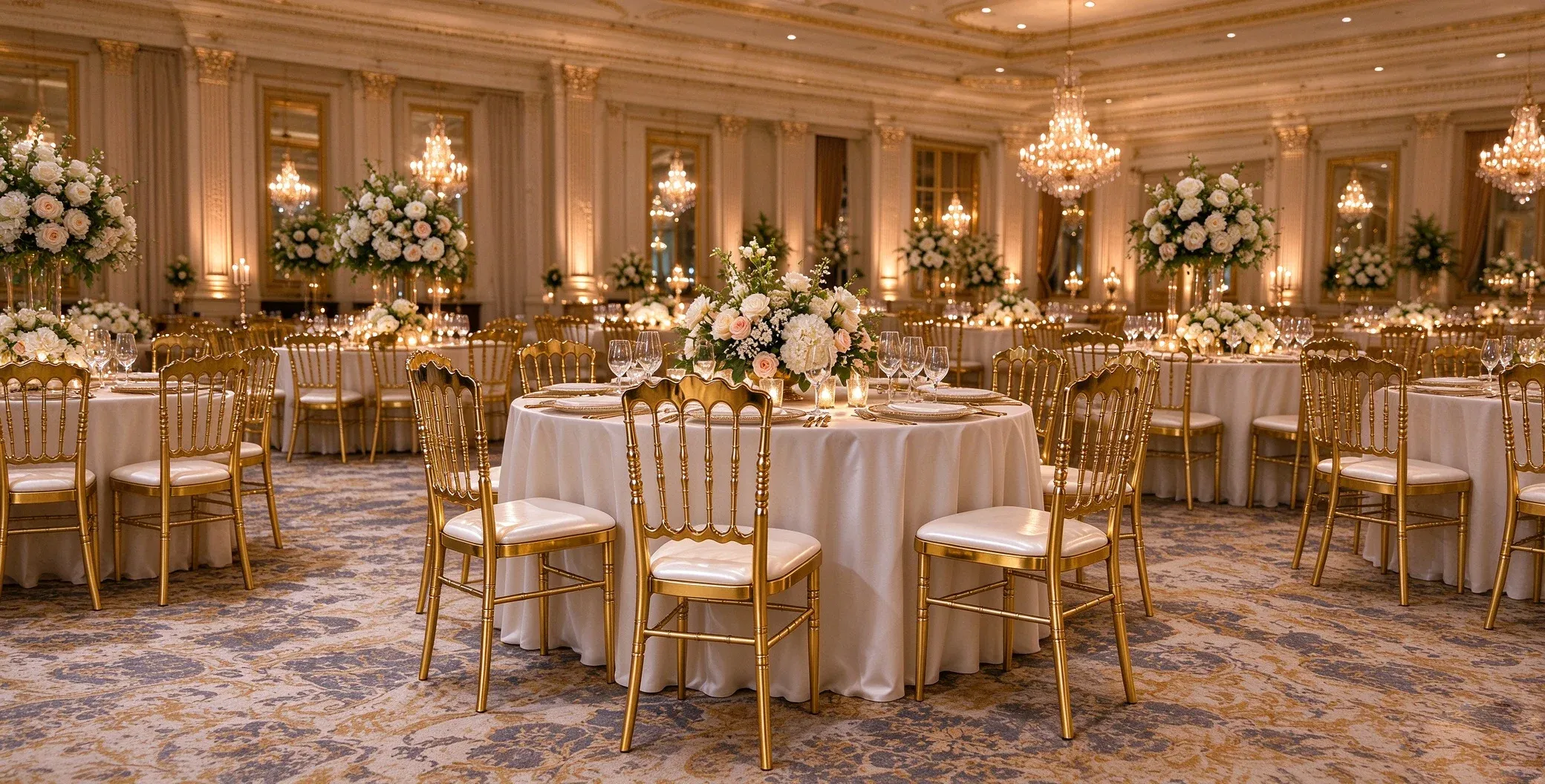
Seating for weddings, banquets and events.
Explore crystal, banquet and folding chairs with focused product information.
Explore products →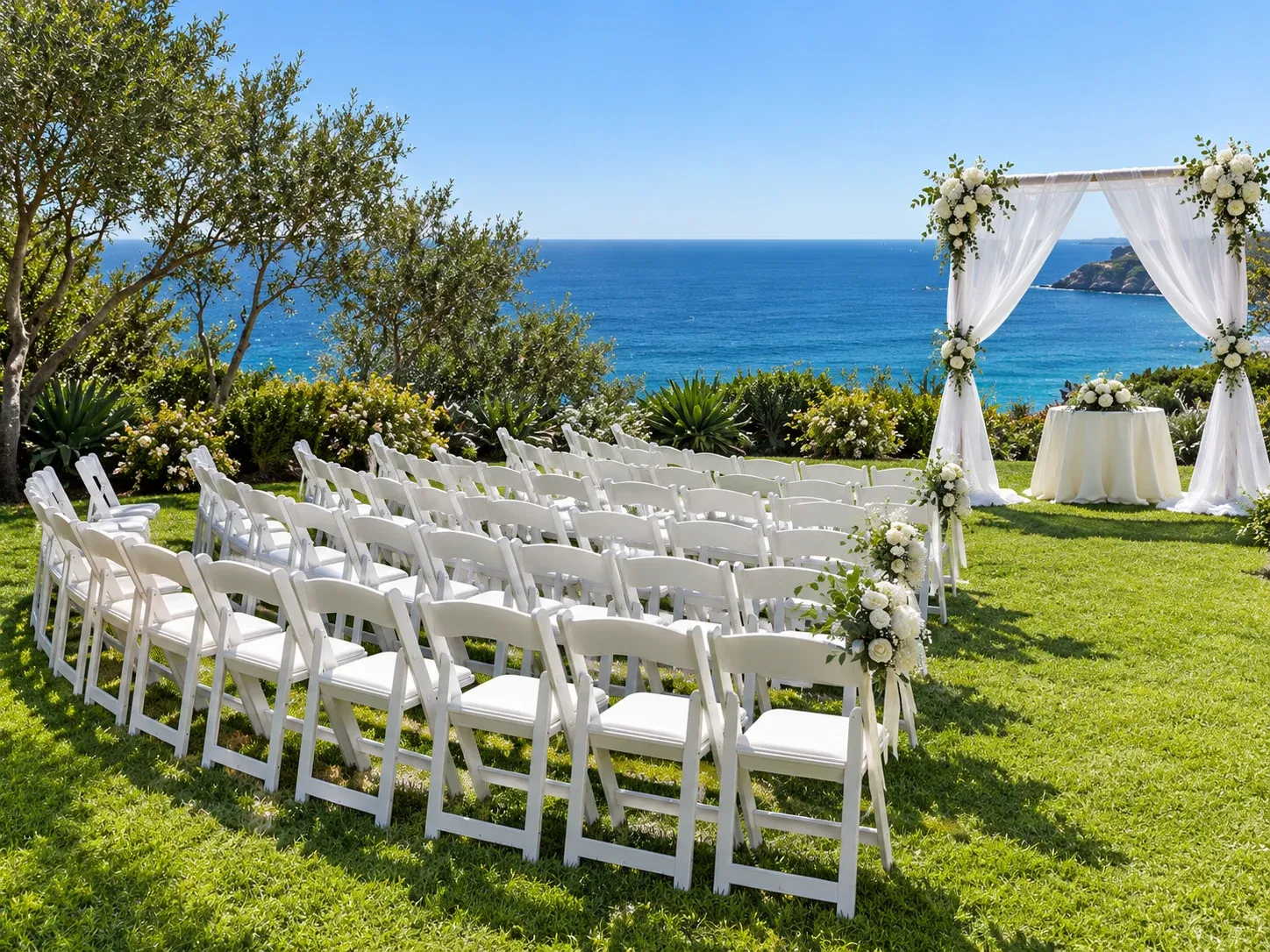
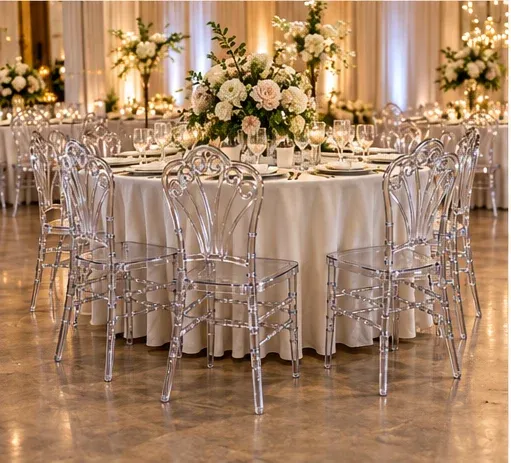
Furniture sets the scene before the guests arrive.
From a clear chair that disappears into the setting to a gilded silhouette that becomes part of it, each piece has a role to play.
Explore the six catalogue models.
Open a product for photography, colours and specifications.
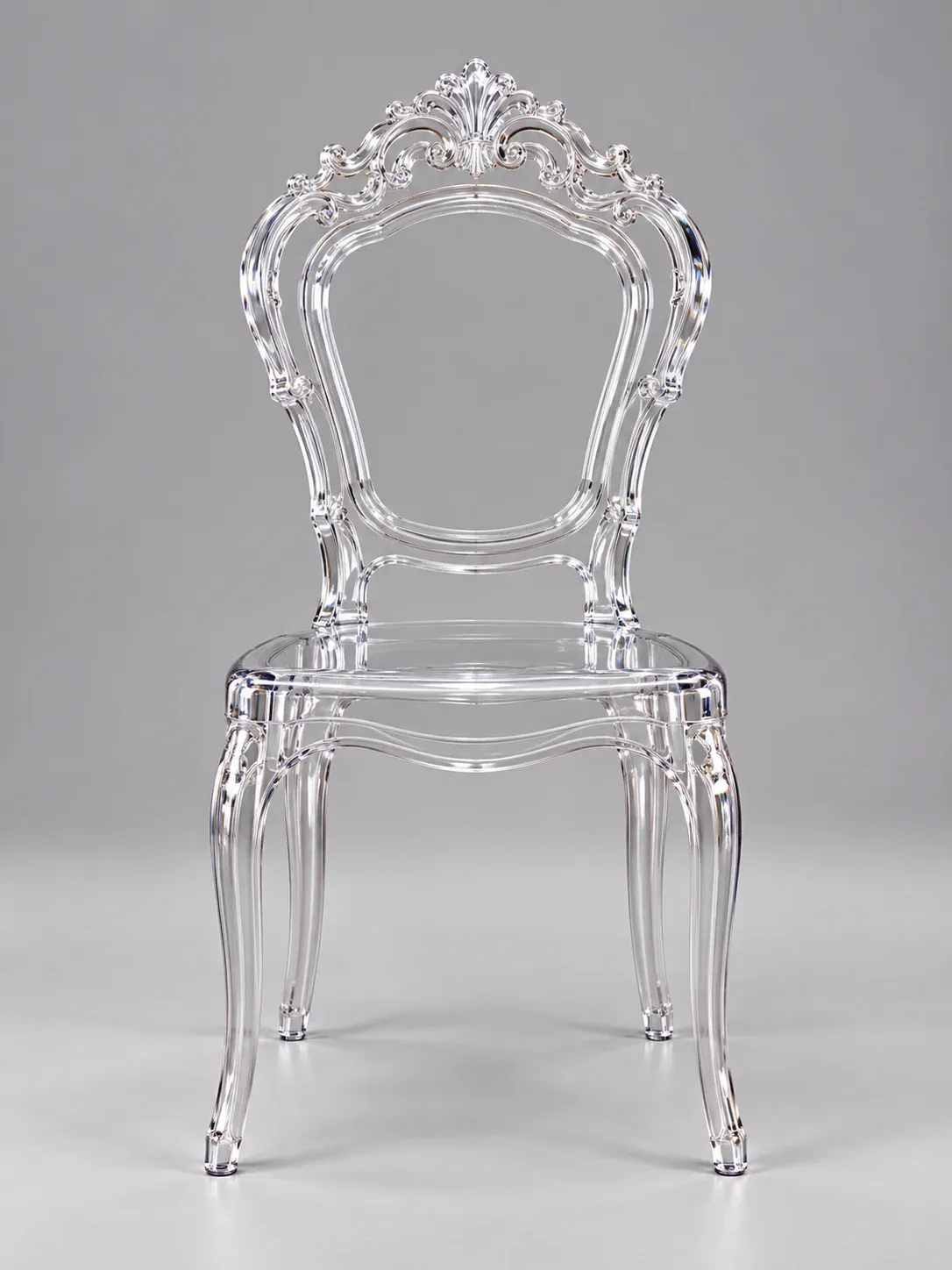 View product ↗
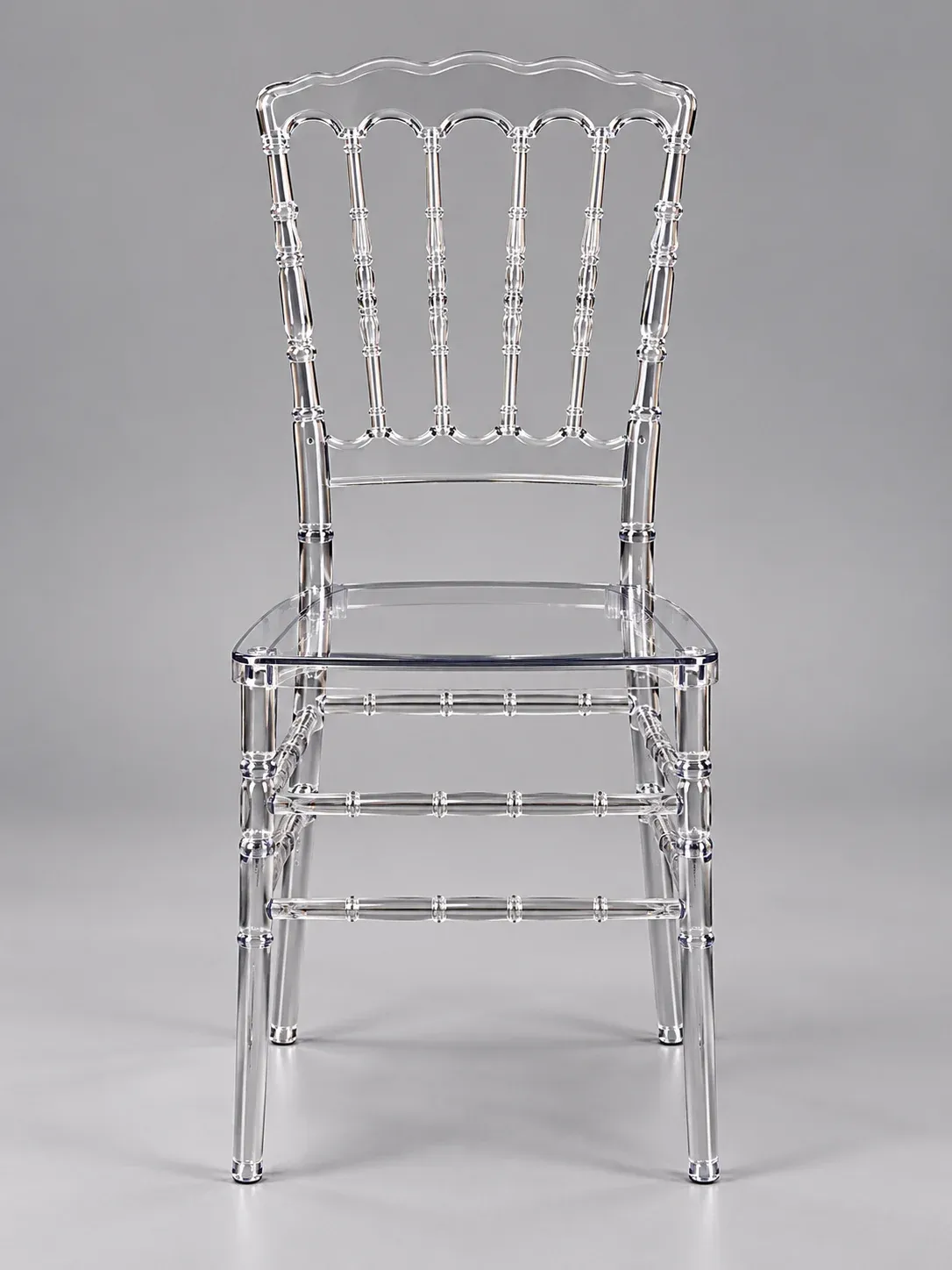
F06 Crystal Chair
F06 Crystal Chair. Explore catalogue photography, dimensions and packing information.
 View product ↗
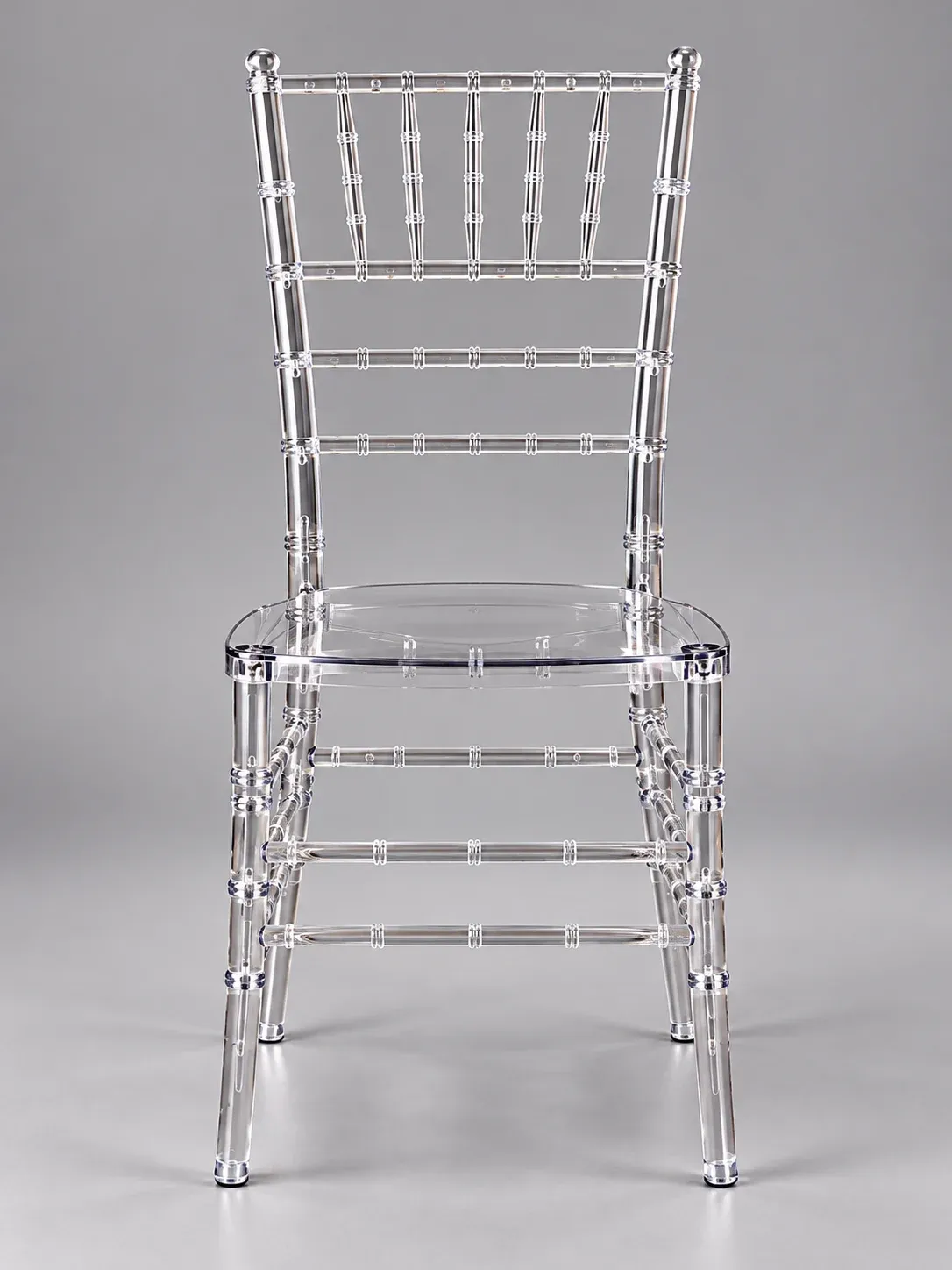
F02 Crystal Chair
F02 Crystal Chair. Explore catalogue photography, dimensions and packing information.
 View product ↗
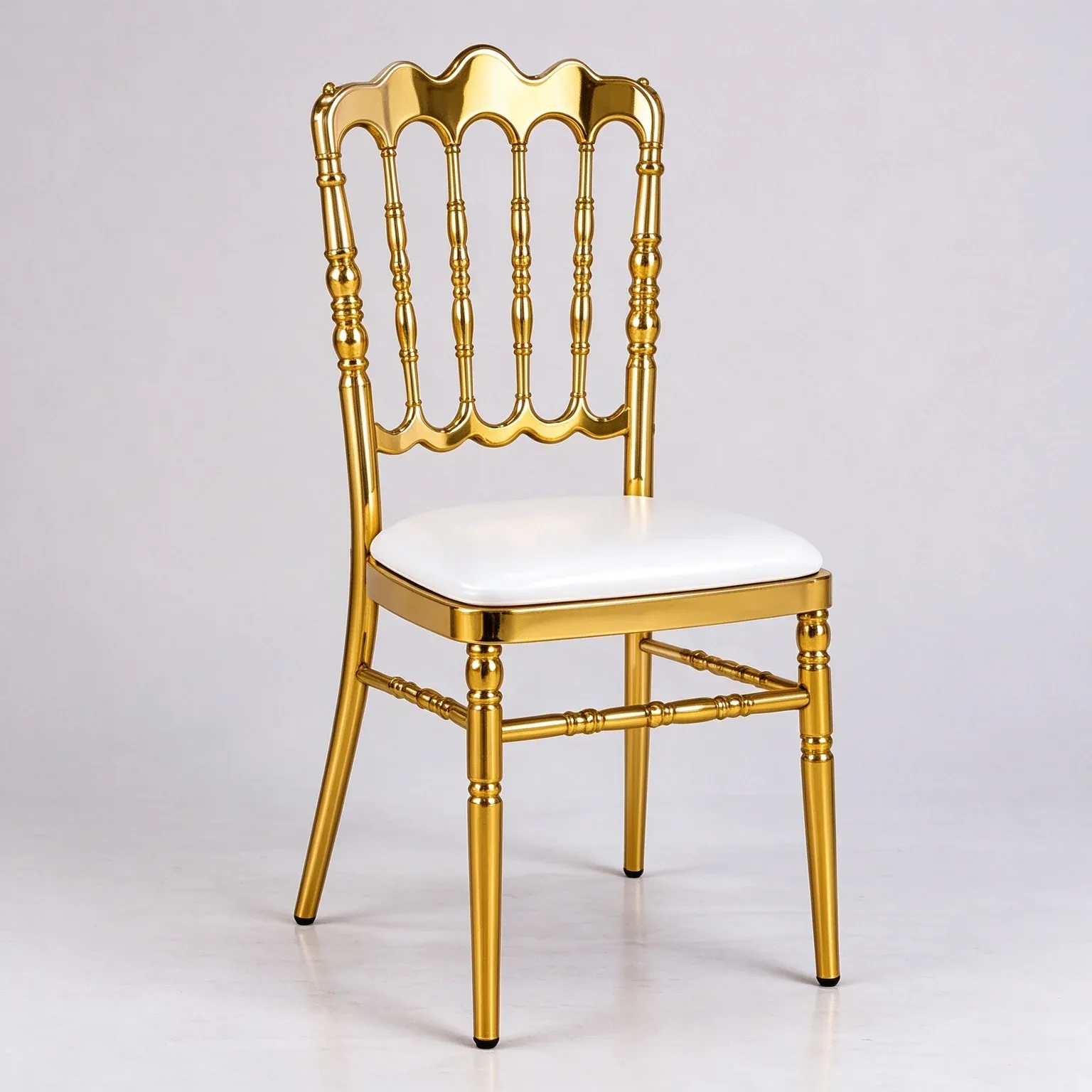
F03 Crystal Chair
F03 Crystal Chair. Explore catalogue photography, dimensions and packing information.
 View product ↗
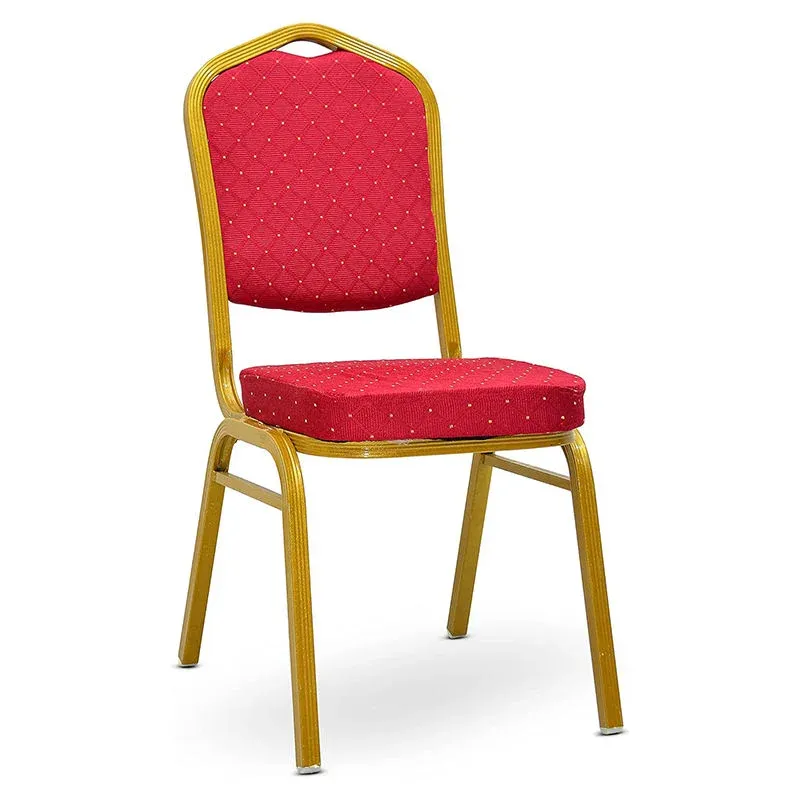
F01 Ornate-back Banquet Chair
F01 Ornate-back Banquet Chair. Explore catalogue photography, dimensions and packing information.
 View product ↗
F02 Upholstered Banquet Chair
F02 Upholstered Banquet Chair. Explore catalogue photography, dimensions and packing information.
 View product ↗
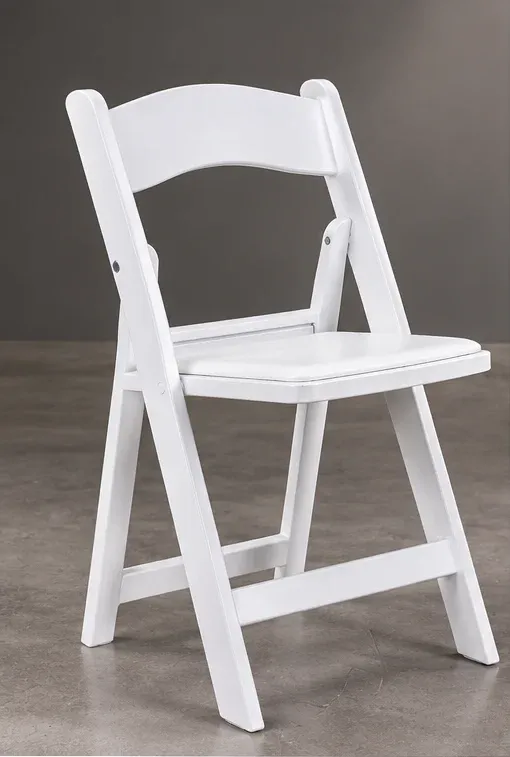
F01 Folding Chair
F01 Folding Chair. Explore catalogue photography, dimensions and packing information.
Support for project purchasing.
OEM, product selection and order support can all be updated from the admin.
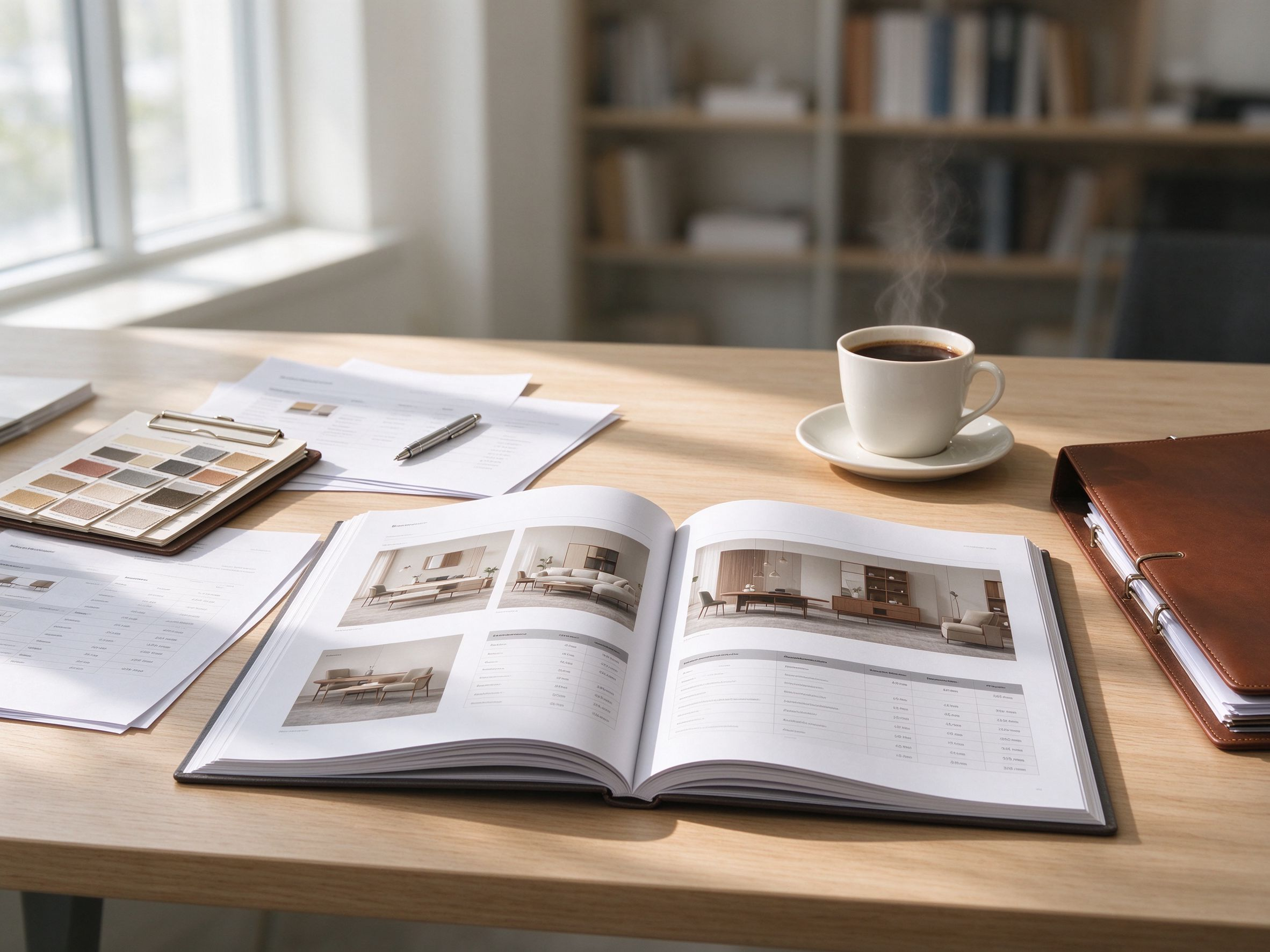
Clear information. A better starting point.
Move from a product reference to the specifications your project needs.
About us →
From construction to the finishing detail.
Compare frames, finishes, colours and use. Replace this example with your process information and photography.
Construction and form
Review connections, dimensions and samples.
Finish and colour
Select a direction using physical references.
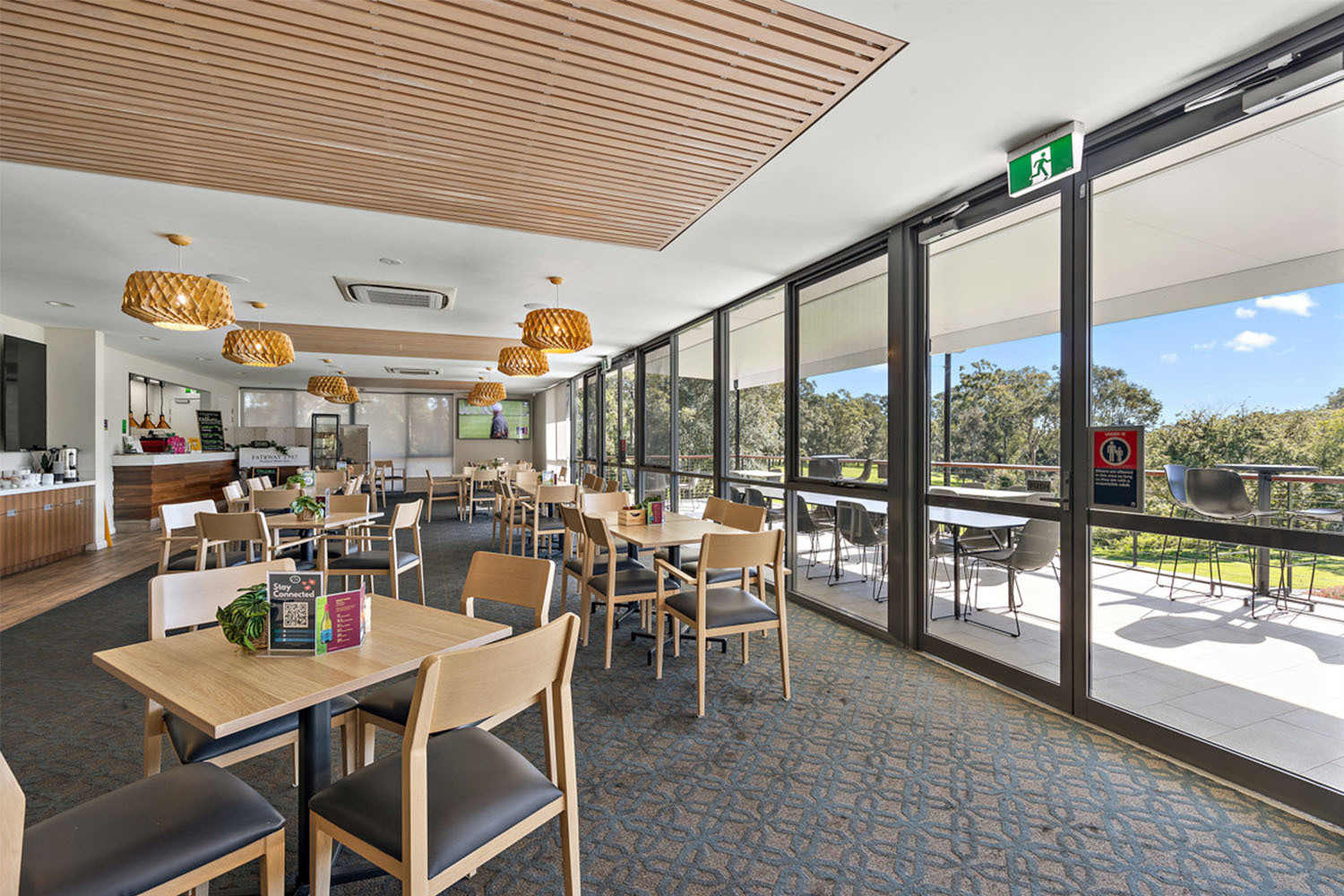
A coordinated collection for each project.
Explore combinations of components, appearance and upholstery. Confirm compatible models and eligible options.
Present your own company at a glance.
Add verified information in the editable fields below.
Founded
Team
Production area
Capacity
See products in context.
Use these sample cards first, then replace them with verified project stories in the admin.
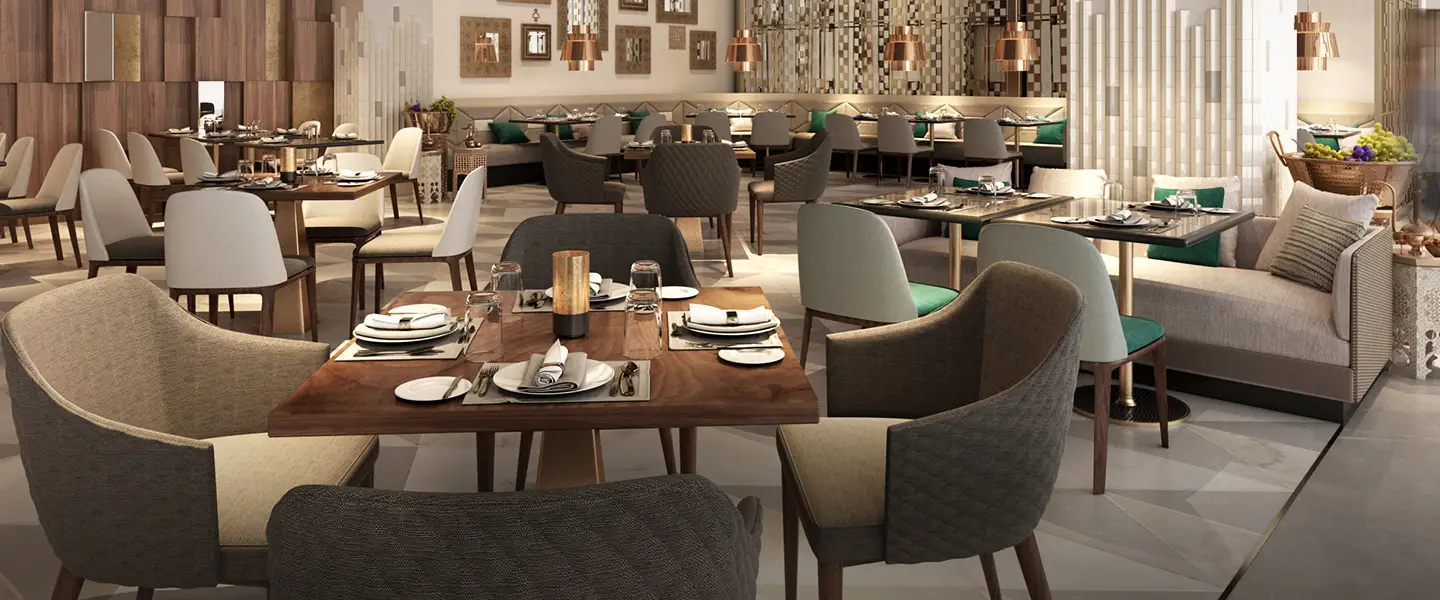
Start with the space.
Explore selection ideas for dining, banquets and shared spaces.

Think in collections.
Explore product directions by family and configuration.
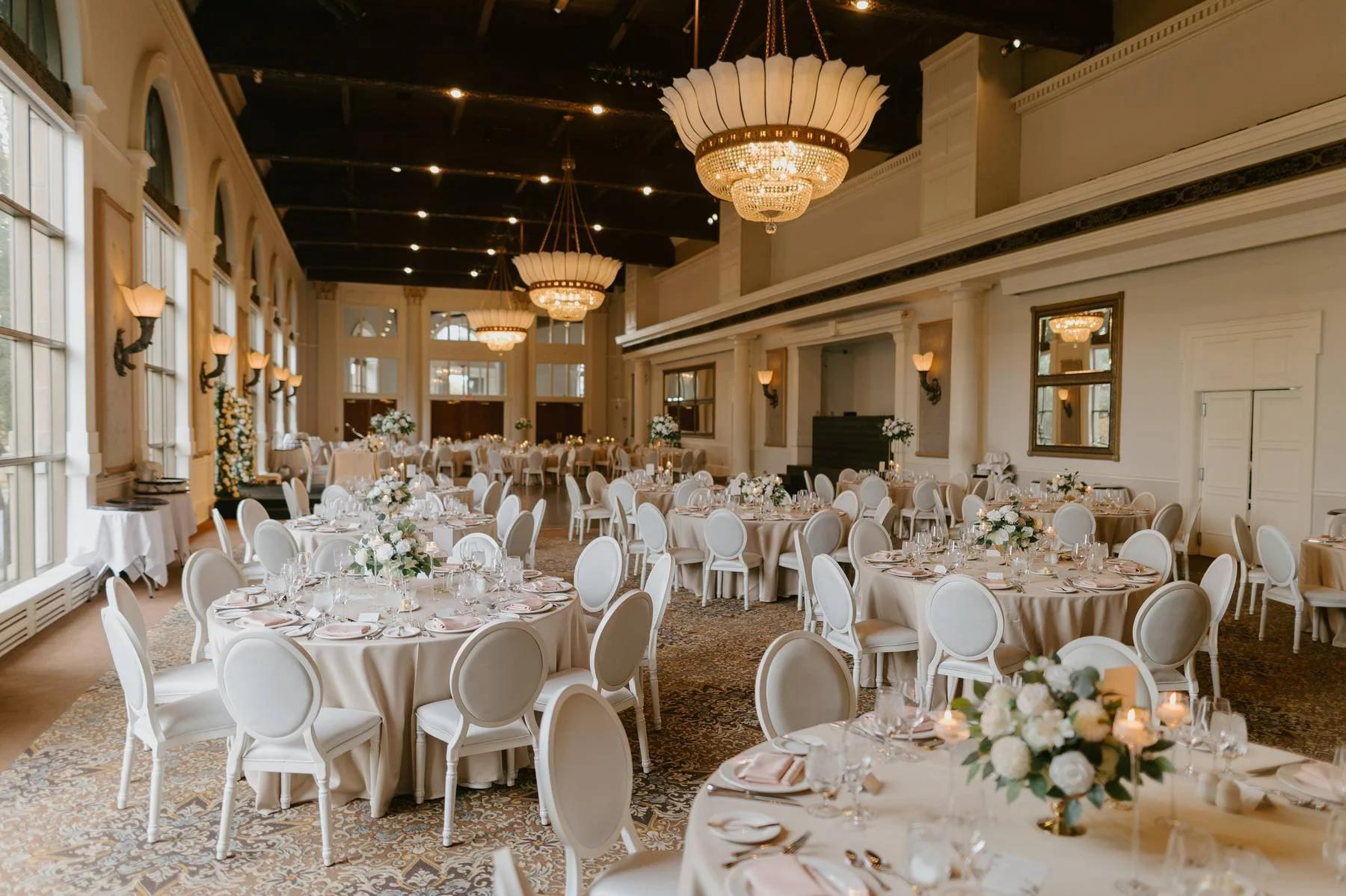
Ideas for the next selection.
Explore product guides, videos and resources.
Leave your email to discuss your requirements.
No account is required. Include the models and questions you would like to discuss.
Contact us →Before we begin.
Common questions about browsing, information and follow-up.
Do I need an account to browse?
No. Browse products, projects and resources directly, then leave an email when interested.
How can I request product details?
Open a product and use its inquiry link. Leave your email; specific models and unverified details can be confirmed afterwards.
What are the MOQ, sample options and lead time?
These depend on the product and order. Unverified fields are marked “To confirm”; discuss your specific needs by email.
Can we discuss customisation or wholesale cooperation?
Leave your email and interests. Feasible options and cooperation terms will be confirmed in the conversation.